Best CF Card Recovery Software for Mac in 2026
Disk Drill is our first pick for a preview-led Mac recovery workflow. Three alternatives make sense if you need deeper controls, a smaller bill, or genuinely free recovery.
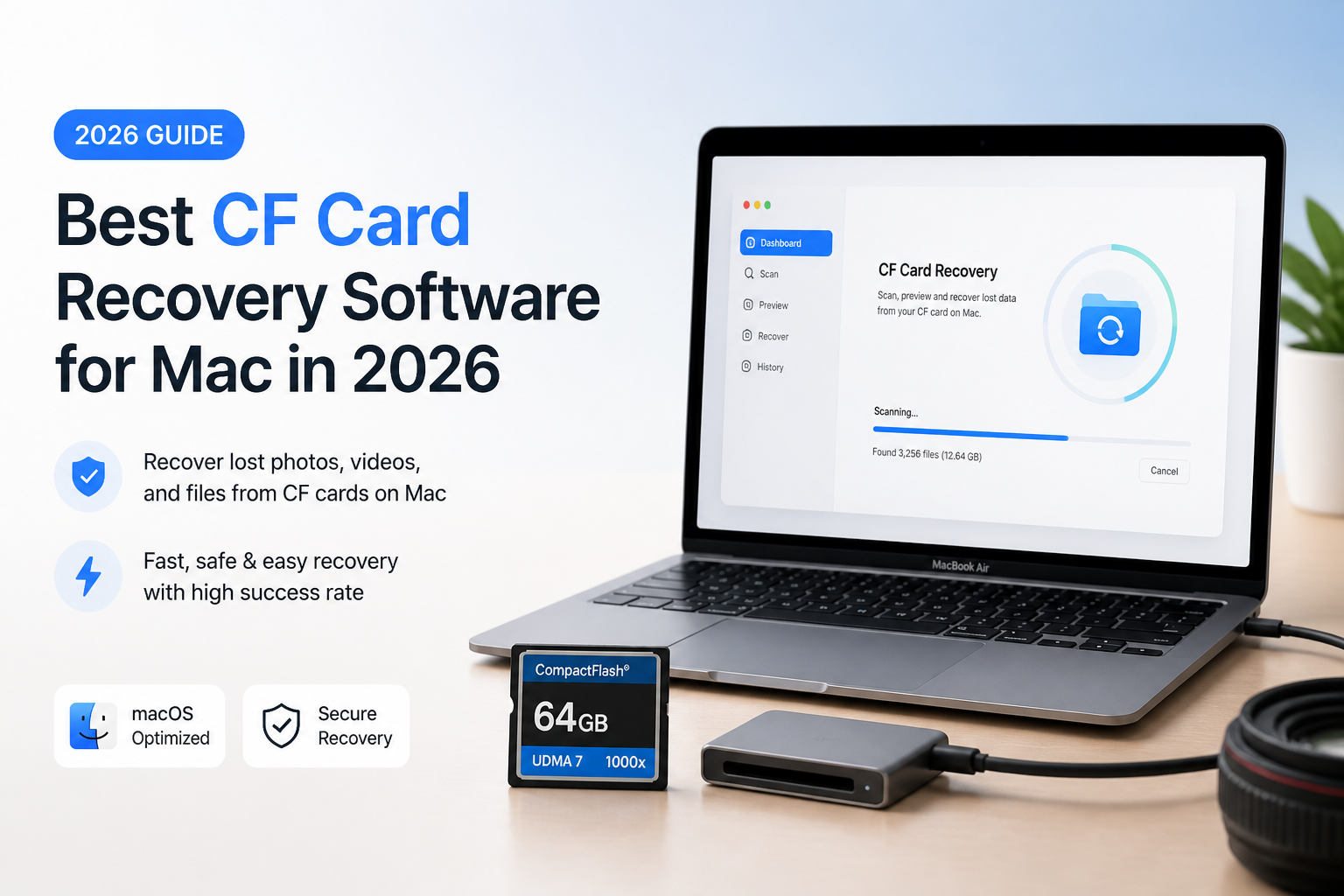
Start with Disk Drill if you want to inspect missing CF card files before committing to paid recovery. Its documented CompactFlash support plus byte-to-byte backup make it a sensible first shortlist choice. PhotoRec is the free alternative if manual sorting is acceptable. (cleverfiles.com)
Disk Drill
9.1/10Best for: Photographers who want to inspect missing CF card photos before paying for recovery
- CompactFlash support is explicitly documented. (cleverfiles.com)
- Previews help assess files before purchasing. (cleverfiles.com)
- Built-in card imaging supports recovery from a copy. (cleverfiles.com)
- A lifetime license is available alongside the subscription. (cleverfiles.com)
R-Studio
8.7/10Best for: Experienced Mac users who want control over scans of damaged CF file systems
- Explicit CompactFlash support. (r-studio.com)
- FAT/exFAT recovery suits compatible camera cards. (r-studio.com)
- Disk imaging is included. (r-studio.com)
- Scan parameters offer substantial manual control. (r-studio.com)
DMDE
8.3/10Best for: Patient users recovering personal photos from a small number of folders
CF Card Recovery Software for Mac Compared
This comparison focuses on the recovery workflow plus what you can save without paying. Prices refer to the listed license options, not equivalent license lengths. Scores are editorial fit ratings explained below, not measured recovery rates.
| Tool | Recovery Approach | Price | Score |
|---|---|---|---|
| 1.Disk Drill PICK | Preview-led workflow | $89/yr | 9.1/10 |
| 2.R-Studio | Detailed scan controls | $79.99 one-time | 8.7/10 |
| 3.DMDE | Directory-based free recovery | $20 for one year | 8.3/10 |
| 4.PhotoRec | File carving | Free | 7.9/10 |
4 CF Card Recovery Tools for Mac Reviewed
01 Disk Drill
macOS / CleverFiles
9.1/10
Disk Drill
macOS / CleverFiles
Disk Drill is our first choice for a straightforward CF card recovery attempt on a Mac. Its appeal is the workflow rather than a claimed recovery percentage: scan the card, review recognizable files, then decide whether recovery is worth purchasing. CleverFiles explicitly lists CompactFlash support. Its backup module also lets you work from a card image instead of repeatedly scanning the original. (cleverfiles.com)
Budget for paid recovery of ordinary deleted files. The Mac download provides scanning plus previews, while free protected-file recovery applies only when protection was enabled beforehand. Current PRO pricing is $89 per year or $149 for a lifetime license. We favor Disk Drill for approachability, not because we measured a higher recovery rate than the alternatives. (cleverfiles.com)
Best forPhotographers who want to inspect missing CF card photos before paying for recovery
- CompactFlash support is explicitly documented. (cleverfiles.com)
- Previews help assess files before purchasing. (cleverfiles.com)
- Built-in card imaging supports recovery from a copy. (cleverfiles.com)
- A lifetime license is available alongside the subscription. (cleverfiles.com)
- Ordinary deleted-file recovery on Mac generally requires PRO. (cleverfiles.com)
- The $89 option renews annually, rather than being a perpetual purchase. (cleverfiles.com)
02 R-Studio
macOS / R-Tools Technology
8.7/10
R-Studio
macOS / R-Tools Technology
R-Studio is the alternative we would shortlist when a simple recovery workflow feels restrictive. Its Mac edition explicitly supports CompactFlash, FAT/exFAT, disk imaging, file previews, plus signature-based searches. Those tools give a technically comfortable user more ways to investigate a card with damaged directory information. (r-studio.com)
The tradeoff is how much attention the interface asks of you. For a single accidentally deleted shoot, its deeper controls may be unnecessary. The Mac license costs $79.99. Its demo restores files no larger than 1024 KB, so use previews to evaluate larger photos before buying. (r-studio.com)
Best forExperienced Mac users who want control over scans of damaged CF file systems
- Explicit CompactFlash support. (r-studio.com)
- FAT/exFAT recovery suits compatible camera cards. (r-studio.com)
- Disk imaging is included. (r-studio.com)
- Scan parameters offer substantial manual control. (r-studio.com)
- Our less approachable pick for a first recovery attempt.
- The demo's 1024 KB ceiling restricts practical photo recovery. (r-studio.com)
03 DMDE
macOS / DMDE Software
8.3/10
DMDE
macOS / DMDE Software
DMDE deserves a look before you assume recovery needs a large purchase. The free edition can restore 4,000 files from a selected directory per request, with unlimited requests. That makes it useful for a card whose remaining folder structure is manageable. It supports macOS, FAT/exFAT, memory cards, plus signature-based recovery. (dmde.com)
Paying mainly removes workflow restrictions, not damage inside recovered files. The developer explicitly recommends checking actual recovered files before purchasing. Express costs $20 for one year for personal use. Standard is $48 perpetual with broader own-use licensing. For a client-service business, examine the Professional terms instead. (dmde.com)
Best forPatient users recovering personal photos from a small number of folders
04 PhotoRec
macOS / CGSecurity
7.9/10
PhotoRec
macOS / CGSecurity
PhotoRec is the no-payment fallback worth knowing about. It searches underlying file data rather than relying on a usable file system. CGSecurity explicitly lists CompactFlash, Mac support, plus recovery from raw disk images. Its recovery price is $0, with no paid unlock required. (cgsecurity.org)
The cost is organization. PhotoRec usually cannot restore original filenames or the original folder layout, so expect to sort the output yourself. That is a reasonable compromise for finding missing pictures, less so for restoring an orderly project directory. We rank it below the others for convenience, not because free software is inherently less capable. (cgsecurity.org)
Best forUsers willing to sort recovered files manually to avoid a recovery fee
- Free, open-source recovery. (cgsecurity.org)
- CompactFlash support is documented. (cgsecurity.org)
- Can work without a usable file system. (cgsecurity.org)
- Uses read-only access to the source media. (cgsecurity.org)
- Original filenames usually are not preserved. (cgsecurity.org)
- Recovered output can require substantial sorting. (cgsecurity.org)
How We Evaluated CF Card Recovery Software for Mac
This is a documentation-based comparison, not a hands-on recovery benchmark. We checked official product pages, pricing, Mac support, free-edition restrictions, plus recovery workflows. No physical CF cards were scanned for this article, so there are no measured success percentages, scan times, or invented test results.
Scores express our judgment about suitability for a Mac user recovering camera files. We prioritized understandable workflows, useful pre-purchase evaluation, source-preserving options, plus cost. Pricing references for the comparison table come from each developer. (cleverfiles.com)
How to Choose CF Card Recovery Software for Your Mac
Start with what you need back. For a handful of identifiable pictures, previews may matter more than advanced controls. For a recoverable directory tree with several folders, DMDE's free per-directory restriction deserves attention. For a card whose file system is unusable, PhotoRec's signature-based approach offers another route. (cleverfiles.com)
Our suggestion is to shortlist by workflow first, then validate actual files. DMDE's developer makes the key distinction explicit: paying will not repair files that its free edition recovers in a damaged state. (dmde.com)
CF Card Recovery Mistakes to Avoid on Mac
Do not keep shooting onto the affected card or choose it as the destination for recovered files. New writes can overwrite missing data. Use a separate destination, such as an external drive with enough space. (cgsecurity.org)
Also, do not confuse a free download with free recovery. Disk Drill's ordinary Mac recovery requires a purchase, R-Studio's demo limits recoverable file size, while DMDE permits real recovery within a directory-based restriction. Read that limit before spending time on a long scan. (cleverfiles.com)
Which CF Card Recovery Tool Should You Choose?
Disk Drill earns our top recommendation for readers who want a relatively approachable starting point. Choose R-Studio if you prefer detailed control, DMDE if you can trade patience for lower cost, or PhotoRec if avoiding payment matters more than preserving organization. These rankings reflect workflow preferences, not proof that one tool will recover more from your particular card.
Before purchasing, inspect several important photos rather than accepting a long list of found filenames as your decision point.