Best iPhone Data Recovery Software for Mac in 2026
Disk Drill leads this shortlist for selective recovery on a Mac. But the right purchase depends on where a surviving copy exists, not how many files a scan counts.
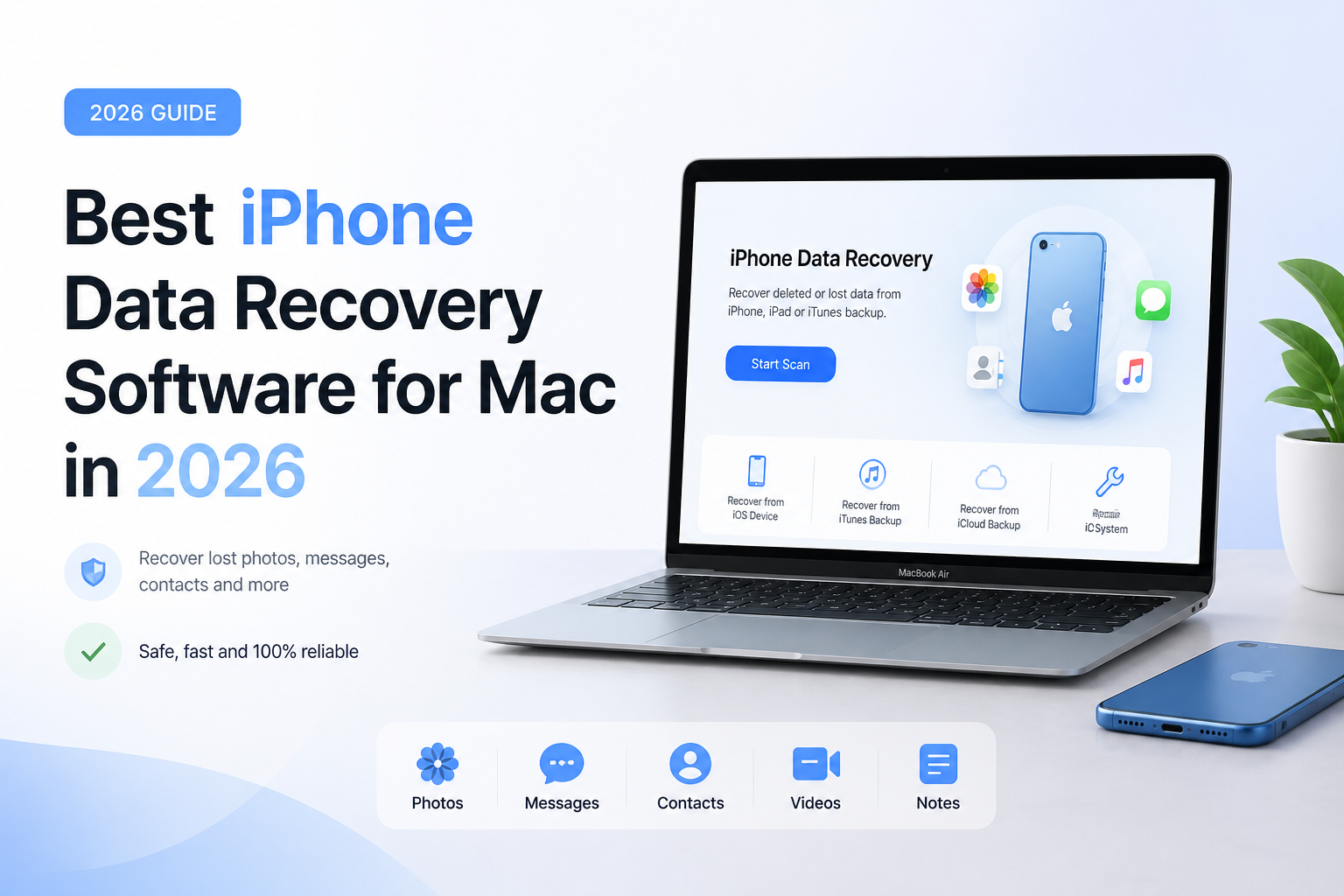
Disk Drill is our overall editorial pick for Mac users who want local iPhone backup extraction with broader storage recovery in the same app. Its iPhone scan works through a backup, so preview the exact missing item before paying. If you already have a suitable backup to restore in full, Finder is the no-purchase alternative. (cleverfiles.com)
Disk Drill
8.6/10Best for: Mac owners who want selective iPhone exports plus a recovery tool for other storage.
- Selective extraction from local iPhone backups
- Preview before purchasing recovery
- Useful for storage problems beyond iPhones
- Lifetime purchase option
PhoneRescue for iOS
8.0/10Best for: People who want an iPhone-focused utility without an ongoing subscription.
- iPhone-focused recovery workflow
- Local backup extraction
- Documented iCloud-related recovery options
- One-time Mac license covers unlimited devices
Tenorshare UltData
7.7/10Best for: People whose missing content belongs to a messaging app rather than Photos.
- Lists several app-specific recovery categories
- Supports local backup recovery
- Includes five mobile devices
- Lifetime Mac license available
iPhone Data Recovery Options for Mac Compared
This comparison separates selective extraction from whole-backup restoration. Prices show the listed purchase option used in each review, before applicable tax. Scores are editorial judgments about usefulness for this task, not measured recovery rates.
| Tool | Recovery Approach | Price | Score |
|---|---|---|---|
| 1.Disk Drill PICK | Local backup extraction | $149 one-time | 8.6/10 |
| 2.PhoneRescue for iOS | Device or backup sources | $69.99 one-time | 8.0/10 |
| 3.Tenorshare UltData | Device or backup sources | $69.95 one-time | 7.7/10 |
| 4.Apple Finder | Whole-backup restore | Free | 7.5/10 |
4 iPhone Data Recovery Options for Mac Under Review
01 Disk Drill
Mac · CleverFiles
8.6/10
Disk Drill
Mac · CleverFiles
Disk Drill gets our top editorial score for a practical reason: it is useful beyond this one phone problem. Its iPhone workflow creates a local backup or reads an existing one, then lets you inspect individual items. This is backup analysis, not a deep scan of the iPhone's raw flash storage. The wider app also handles conventional storage recovery. (cleverfiles.com)
The catch worth noticing before installation is workspace. CleverFiles recommends free space equal to twice the phone's used storage for a connected-device scan. Its dedicated iPhone page still describes direct iCloud extraction as forthcoming, so do not buy it specifically for that feature. These are documented limitations, not results from a hands-on test. (cleverfiles.com)
Best forMac owners who want selective iPhone exports plus a recovery tool for other storage.
- Selective extraction from local iPhone backups
- Preview before purchasing recovery
- Useful for storage problems beyond iPhones
- Lifetime purchase option
- Substantial temporary storage requirement
- Direct iCloud extraction is not confirmed as available
- Free previews do not include paid iPhone exports
02 PhoneRescue for iOS
Mac · iMobie
8.0/10
PhoneRescue for iOS
Mac · iMobie
PhoneRescue makes more sense than a broad disk utility if your only concern is an iPhone. iMobie documents device recovery, local backup extraction, plus iCloud-related recovery paths. Treat those as different sources to inspect, not three independent chances to resurrect permanently erased files. (imobie.com)
The Mac store lists a $69.99 one-time purchase for unlimited devices on one Mac. That is the option we would compare first with Disk Drill if budget matters more than general storage tools. We have not measured its deleted-record recovery rate. Preview the particular conversation or attachment you need before paying. (imobie.com)
Best forPeople who want an iPhone-focused utility without an ongoing subscription.
- iPhone-focused recovery workflow
- Local backup extraction
- Documented iCloud-related recovery options
- One-time Mac license covers unlimited devices
- Not a substitute for general disk recovery software
- Monthly or yearly options renew automatically
- Vendor recovery claims are not independent test results
03 Tenorshare UltData
Mac · Tenorshare
7.7/10
Tenorshare UltData
Mac · Tenorshare
UltData deserves a look when the missing item is a chat attachment or another app-specific record. Its Mac purchase page advertises 35-plus data types, with device, iCloud, plus iTunes backup sources. That breadth is a reason to check compatibility, not proof that your deleted attachment survives. (tenorshare.com)
The same page lists a $69.95 lifetime license for one Mac with five mobile devices. Watch the checkout extras: it also presents an optional 4DDiG trial that renews monthly. We did not independently verify the vendor's recovery-success percentage, so it plays no part in this ranking. (tenorshare.com)
Best forPeople whose missing content belongs to a messaging app rather than Photos.
- Lists several app-specific recovery categories
- Supports local backup recovery
- Includes five mobile devices
- Lifetime Mac license available
- Optional trial add-on can create a recurring charge
- Advertised success percentage is not independently verified here
- App coverage still needs checking against your exact missing content
04 Apple Finder
Built into macOS · Apple
7.5/10
Apple Finder
Built into macOS · Apple
Finder belongs here as the no-purchase alternative, with a clear qualification: it is a backup restoration tool, not deleted-file recovery software. On macOS 10.15 or later, Apple directs users to Finder for restoring an iPhone from a computer backup. If that is the job you need done, start here. (support.apple.com)
The tradeoff is scope. Apple's workflow restores a backup rather than giving you a browser for extracting one conversation. For a single missing item, we would favor selective extraction before committing to a whole-device restore. Preserve your current data separately before taking that step. (support.apple.com)
Best forPeople with a suitable local backup who want to restore the phone rather than export selected files.
- No separate software purchase
- Apple-supported restore process
- Already available on compatible Macs
- Suitable for restoring a replacement iPhone
- Requires a usable existing backup
- No selective message or photo export interface
- Whole-backup restoration is a larger intervention
How We Evaluated These iPhone Recovery Tools for Mac
This is a documentation-based comparison, not a hands-on recovery benchmark. We checked official product descriptions, Mac purchase pages, supported recovery sources, plus Apple's restore guidance. No test iPhone, timed scan, or controlled deletion experiment was used. The numbers are editorial scores out of ten, not success percentages.
We favored selective access, clear purchase terms, useful previews, plus relevance to a Mac owner's wider needs. Finder is included deliberately as a free restoration alternative, not presented as an equivalent undelete app. Product details support the reviews, but vendor success-rate claims do not establish comparative performance.
Choose iPhone Recovery Software by the Surviving Data Source
Start by deciding whether you have a working phone, an older local backup, or only cloud-held data. Disk Drill documents local backup analysis even when you select a connected iPhone. Its dedicated iPhone page describes direct iCloud extraction as a future feature, so cloud-only cases need a different route. (cleverfiles.com)
Next, decide whether you need one item or a whole-device restore. We would inspect a backup selectively for a missing conversation. For rebuilding a replacement phone, Apple's Finder restore process may already cover the job. (support.apple.com)
Common iPhone Recovery Purchases to Avoid
Do not buy a license because a scan shows thousands of photos. Ask whether the particular missing image appears, whether it is more than a thumbnail, plus whether the preview contains the detail you need. A useful purchase decision starts with the target item, not a big counter.
Also inspect the cart rather than just the advertised license price. Tenorshare's Mac checkout lists an optional separate software trial with monthly renewal. Remove extras you do not need before completing the order. (tenorshare.com)
Which iPhone Recovery Tool Should You Choose?
Disk Drill earns our first spot for the combined iPhone-plus-Mac use case, not a proven advantage in deleted-file recovery. PhoneRescue is our lower-cost lifetime shortlist choice, while UltData is worth checking for specific app data. Choose Finder instead when your goal is simply to restore an existing backup in full.
Write down the exact missing item, locate the oldest relevant backup, then judge previews against that item rather than the scan's total file count.