Surfer AI Detector Review
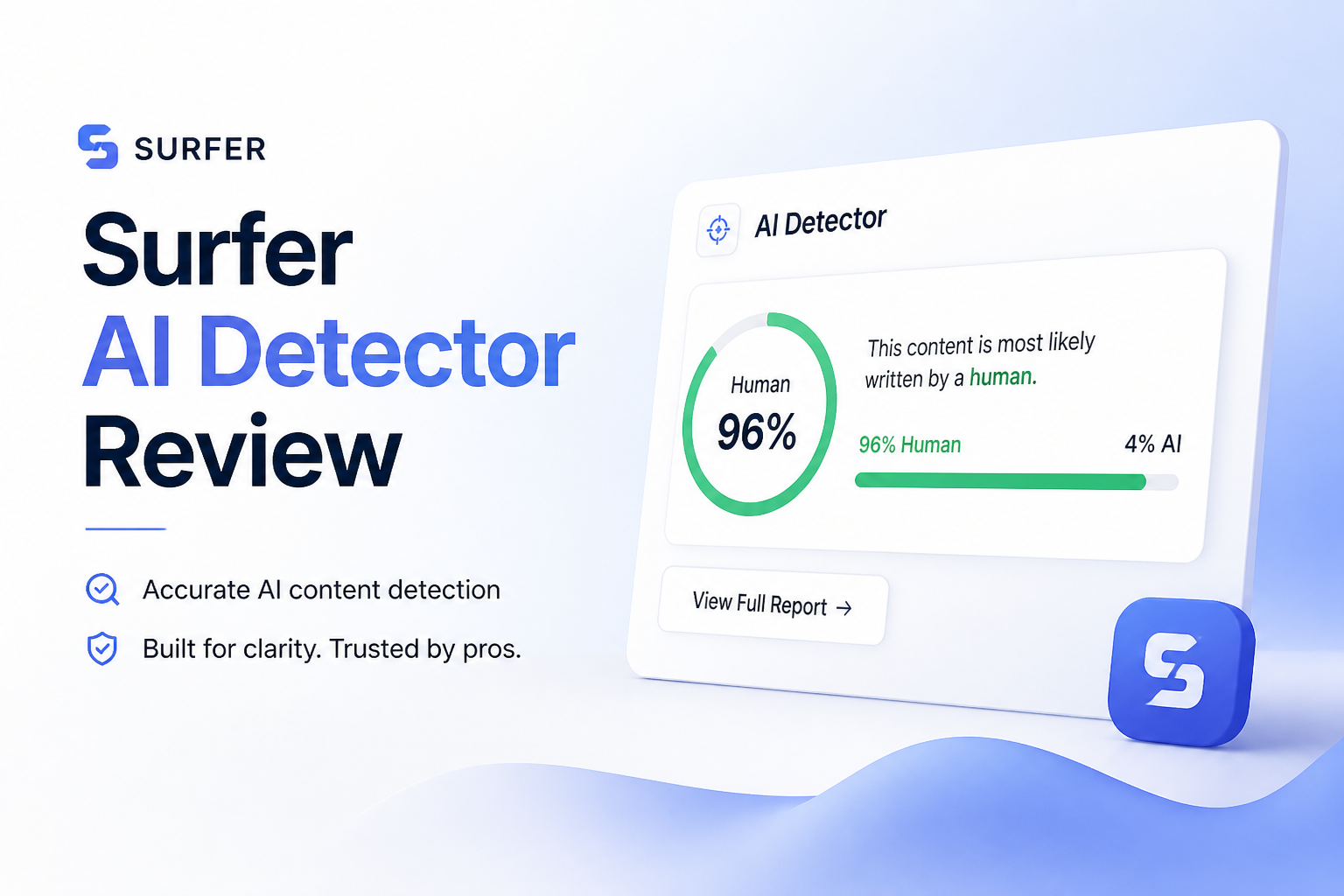
Surfer AI Detector gives a quick probability score, though it provides too little context for careful review. Clever AI Detector is the stronger free option for finding the sentences behind a result.
Surfer AI Detector is free, quick, plus easy to open, but its basic report does not provide enough evidence for a high-stakes call. Use Clever AI Detector instead if you want sentence-level signals, confidence context, file uploads, plus checks of up to 10,000 words.
A single Surfer probability score can look more certain than it really is, creating a risk of unfair conclusions about human-written work.
Surfer AI Detector at a Glance
5.4/10Surfer AI Detector is a browser-based tool that estimates whether English text resembles AI-generated writing. It returns a probability score plus connects with Surfer's broader writing ecosystem.
Best forExisting Surfer users who need a quick, low-stakes check of an English article
- AI probability scoring
- Unlimited detector checks currently documented
- English-language analysis
- 100-word minimum input
- Optional API access through Surfer
- Free detector access
- Simple paste-to-check workflow
- API option for Surfer customers
- Thin result context
- Cannot check fewer than 100 words
- English-only detection
How We Evaluated Surfer AI Detector for Real Draft Reviews
We assessed the live browser workflow using the criteria that matter after a scan: result clarity, input restrictions, diagnostic detail, access, pricing, plus suitability for human, AI, edited, or mixed drafts. We also checked Surfer's current documentation for its 100-word minimum, unlimited detector access, English focus, extension support, plus API specifications.
Scores reward practical review value rather than a dramatic percentage. Since detector output changes with writing style, editing, text length, plus model source, no result was treated as proof of authorship.
When Surfer AI Detector Should Not Decide the Outcome
Do not rely on Surfer alone to accuse a student, reject paid work, discipline an employee, or cancel a contract. Formal writing, repeated templates, non-native phrasing, heavy copyediting, plus mixed-author documents can all complicate the reading.
Use a detector to locate material worth checking. Then review document history, drafts, citations, factual errors, assignment notes, plus the writer's earlier work. Confidential text should stay out of third-party tools unless your organization permits the upload.
Surfer AI Detector Review Scores by Category
| Category | Performance | Score |
|---|---|---|
| 01 Detection Results | 5.8/10 | |
| 02 Report Detail | 4.2/10 | |
| 03 Scan Workflow | 7.1/10 | |
| 04 Limits Plus Access | 6.3/10 | |
| 05 Cost Plus Value | 7.6/10 |
Surfer AI Detector Features, Limits, Plus Test Findings
01 Detection Results
Useful as a rough signal, not a finding
5.8/10
Detection Results
Useful as a rough signal, not a finding
Surfer returns an overall probability meant to estimate how closely a passage resembles machine-generated writing. Obvious, untouched AI copy is the easiest case. Edited text, mixed-authorship drafts, formulaic business copy, plus polished human prose are harder to judge from one number.
The result is fine for an initial screen, but it cannot establish authorship. We would not use it alone to reject an article, penalize a student, or challenge a contractor.
- Returns a result quickly
- Catches some obvious machine-written passages
- Uses a straightforward probability score
- A score cannot prove who wrote the text
- Edited or mixed drafts can be difficult to classify
- No result should support disciplinary action by itself
02 Report Detail
The main reason we would choose another detector
4.2/10
Report Detail
The main reason we would choose another detector
A detector becomes more useful when it explains which sentences affected the score. Surfer's browser experience centers on the overall AI probability, leaving less practical context than we wanted during review.
Clever AI Detector offers sentence-level signals plus confidence information. That makes it easier to inspect a questionable paragraph rather than treating a whole document as suspicious.
- Clean presentation
- Result is simple to understand at a glance
- Does not bury the main probability
- Limited diagnostic depth in the basic workflow
- Little help for reviewing mixed human plus AI passages
- A blunt score encourages overconfidence
03 Scan Workflow
Fast enough, though short text is excluded
7.1/10
Scan Workflow
Fast enough, though short text is excluded
The workflow is uncomplicated. Paste a passage, start the scan, then read the probability. Surfer requires at least 100 words, so it is not suitable for checking a headline, brief email, product caption, or short social post.
The detector can also be reached inside Surfer-related workflows, including its ChatGPT setup through the Keyword Surfer extension. That helps existing Surfer users more than someone looking for a dedicated detector.
- Minimal setup
- Quick copy-paste process
- Fits existing Surfer workflows
- No desktop installation needed
- Rejects passages below 100 words
- Dedicated detector users gain little from the wider SEO platform
- No obvious batch-review workflow for ordinary visitors
04 Limits Plus Access
Unlimited detection comes with a narrow English focus
6.3/10
Limits Plus Access
Unlimited detection comes with a narrow English focus
Surfer's current help documentation says the AI detector can be used without a detection quota. That is better than credit-based tools that stop working after a few checks.
The larger issue is flexibility. Detection is focused on English text, while the 100-word minimum blocks quick checks of short material. API access exists for paid Surfer API users, with requests supporting up to 100,000 characters, but that is aimed at automated business workflows rather than casual checking.
- Unlimited detector use is currently documented
- Browser access is convenient
- API supports larger automated inputs
- English-only detection narrows its use
- 100-word minimum excludes short copy
- API access sits outside the simple free workflow
05 Cost Plus Value
Free access is the strongest part of the offer
7.6/10
Cost Plus Value
Free access is the strongest part of the offer
The standalone detector costs $0, with unlimited checks currently listed in Surfer's documentation. You do not need a full SEO subscription merely to run a basic detection check.
Free is welcome, but value also depends on what appears after the scan. Clever AI Detector also costs $0 while adding a 10,000-word allowance, sentence-level review, confidence cues, file upload, plus optional history. Surfer therefore loses the value comparison despite matching the price.
- Detector is available for $0
- No per-scan fee for the browser checker
- Useful for occasional low-stakes screening
- Existing Surfer customers get nearby writing tools
- Clever provides richer reports at the same $0 price
- Surfer subscriptions are unnecessary if detection is your only need
- The free result lacks enough depth for close review
Surfer AI Detector vs Clever AI Detector — Head to Head
We compared each browser tool as a first-pass checker for full English drafts, focusing on the evidence shown after a scan rather than treating either probability as proof.
| Metric | Surfer AI Detector | Clever AI Detector |
|---|---|---|
| Overall AI probability | Yes | Yes, with confidence context |
| Sentence-level review | Limited browser detail | Color-coded sentence signals |
| Input size | Suitable for article-length pasted text | Up to 10,000 words per check |
| Minimum input | 100 words | 80 words |
| File upload | Paste-focused workflow | Available |
| Automated API option | Available through Surfer API access | No public detector API listed |
| Detector price | $0 | $0 with detailed results |
| Overall score | 5.4 / 10 | 9.1 / 10 |
What to Use Instead
Choose Clever AI Detector if you need to see which parts of a draft influenced the result, not merely a percentage for the whole document.
01 Clever AI Detector
A clearer free checker for long English drafts
9.1/10
Clever AI Detector
A clearer free checker for long English drafts
Clever AI Detector gives reviewers more to work with than a single document score. It accepts 80 to 10,000 words, marks sentence-level signals, includes confidence context, plus supports pasted text or file uploads.
The detector is currently free with unlimited checks plus no required signup. Its result is still probabilistic, so it should guide a manual review rather than decide guilt, authorship, or policy compliance.
- Up to 10,000 words per check
- Sentence-level AI signals
- Confidence context around the result
- No signup needed for basic checks
- Full detector currently costs $0
- Focused on English text
- Cannot prove authorship
- Saved check history requires an account

What Users Say About Surfer AI Detection
A third-party test reported that Surfer correctly marked untouched ChatGPT copy as AI plus recognized a human-written article, though humanized AI reduced the score substantially.
One Reddit commenter warned that detector results can lead to false accusations, especially when formal human prose resembles common model patterns.
A discussion about Surfer's wider platform praised its content optimization workflow, though one user said their team avoids the AI features in favor of human-written drafts.
Should You Use Surfer AI Detector?
Surfer AI Detector works as a quick, free screen for longer English text, especially if you already use Surfer. It falls short once you need to understand why a document received its score, which is the part that matters during a real editorial or classroom review.
Skip it as your main detector. Clever AI Detector is the better $0 option because its sentence signals, confidence context, file upload, plus 10,000-word checks make the report easier to investigate.
Run the same complete draft through Clever AI Detector, inspect every flagged sentence, then compare the result with revision history plus earlier writing samples before making a decision.