Best Free SD Card Recovery Software in 2026
Free can mean unlimited recovery, a small export allowance, or previews only. We separated those limits so you can pick the right tool before scanning your card.
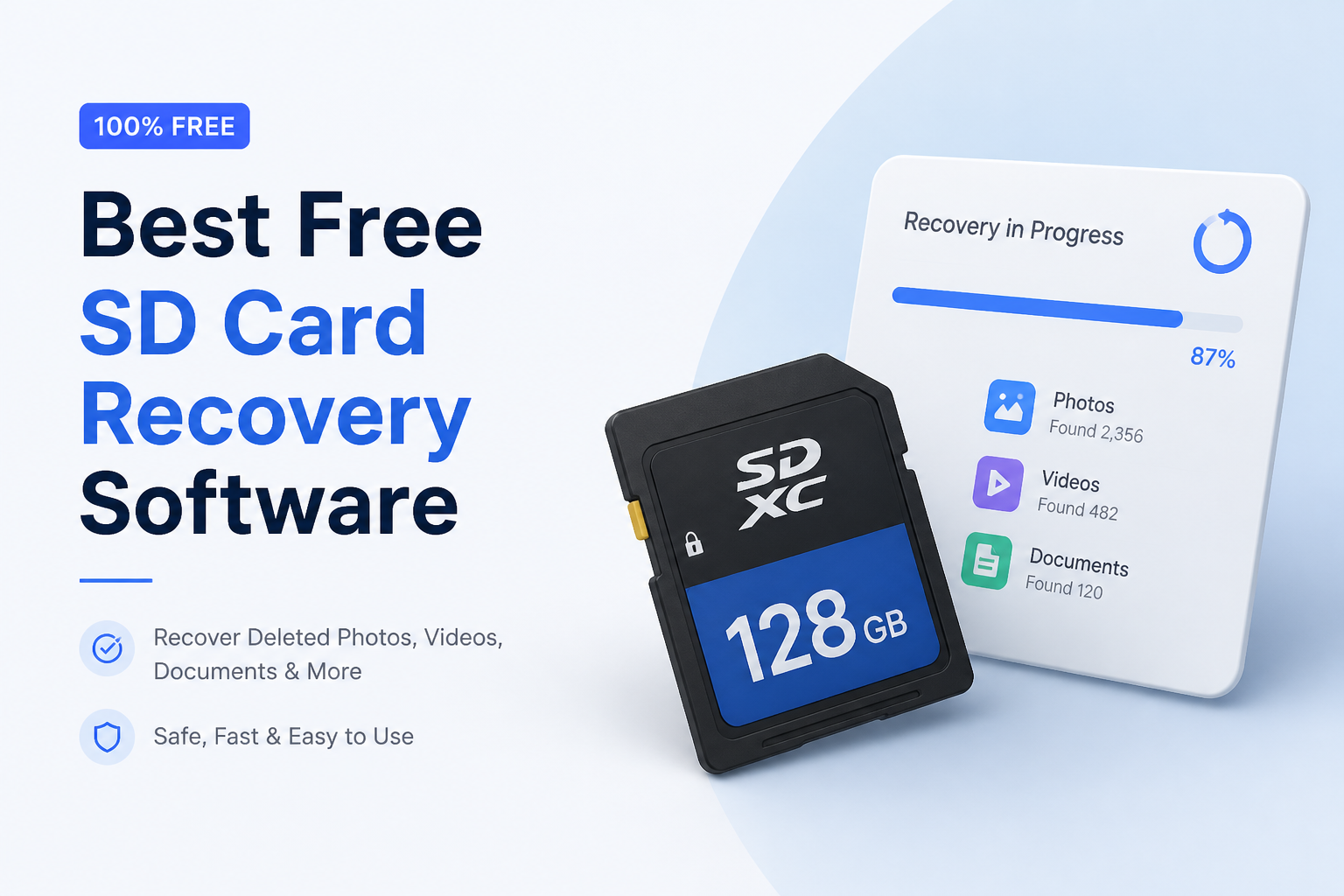
Disk Drill is our best overall pick because it makes SD card scans easy to inspect before you save anything. For unlimited free photo plus video recovery on Windows, R-Photo is the better zero-cost choice, while PhotoRec covers more file types without a fee.
Disk Drill
9.1/10Best for: People who want clear previews, simple filtering, plus an easy way to judge whether an SD card recovery will work
- Clean device list plus guided scanning
- Unlimited result previews for supported formats
- Creates byte-to-byte card images
- Useful filters for photos, video, documents, size, date
R-Photo
8.8/10Best for: Windows users recovering camera photos or video clips from FAT, exFAT, or other readable SD card layouts
- Fully free photo plus video recovery for personal use
- No registration required
- Supports FAT32 plus exFAT SD cards
- Built-in image creation
PhotoRec
8.5/10Best for: Technical users who need unrestricted recovery from a formatted card or badly damaged file system
- Free plus open source
- No file-count or size limit
- Runs on Windows, macOS, Linux
- Works when the card file system is badly damaged
Free SD Card Recovery Software Compared
These five tools are compared by whether the free edition can save files without payment, plus whether it can create or scan a card image. Prices reflect verified tiers available in August 2026. Scores are editorial judgments based on free limits, usability, platform support, preview tools, plus recovery workflow rather than a universal recovery-rate benchmark.
| Tool | Full Free Recovery | Card Imaging | Price | Score |
|---|---|---|---|---|
| 1. Disk Drill PICK | ● No | ● Yes | $89/yr | 9.1/10 |
| 2. R-Photo | ● Yes | ● Yes | Free | 8.8/10 |
| 3. PhotoRec | ● Yes | ● Yes | Free | 8.5/10 |
| 4. Recuva | ● Yes | ● No | Free | 7.7/10 |
| 5. Windows File Recovery | ● Yes | ● No | Free | 7.2/10 |
The 5 Best Free SD Card Recovery Tools, Reviewed
01 Disk Drill
Windows / macOS · CleverFiles
9.1/10
Disk Drill
Windows / macOS · CleverFiles
Disk Drill gave us the clearest review workflow for an everyday SD card problem. It recognizes FAT32 plus exFAT cards, combines multiple scan methods, sorts results by file type, then previews supported photos or documents before recovery. That last step matters because a found filename does not prove the file is intact.
The free edition has a big catch. Windows users can save only 100 MB without paying, while the Mac edition mainly offers unlimited scanning plus previews unless files were previously protected by Disk Drill. Still, it is useful for testing a card, recovering a small group of images on Windows, or deciding whether a paid recovery is justified.
Disk imaging gives Disk Drill an edge over basic undelete apps. You can work from a byte-level copy rather than repeatedly scanning a questionable card. A card that disconnects, reports the wrong capacity, or becomes unusually hot needs professional attention instead of another software scan.
Best forPeople who want clear previews, simple filtering, plus an easy way to judge whether an SD card recovery will work
- Clean device list plus guided scanning
- Unlimited result previews for supported formats
- Creates byte-to-byte card images
- Useful filters for photos, video, documents, size, date
- One paid license covers Windows plus macOS
- Free Windows recovery stops at 100 MB
- Mac free recovery is much more restricted
- Paid upgrade costs more than simple undelete tools

02 R-Photo
Windows · R-Tools Technology
8.8/10
R-Photo
Windows · R-Tools Technology
R-Photo is the strongest no-payment choice here if the missing material is limited to photos or video. It supports SD cards visible to Windows, scans FAT, exFAT, NTFS, plus ReFS volumes, then offers both file-system searches plus raw signature recovery.
Unlike a preview-only free tier, R-Photo can save an unlimited amount of supported media for noncommercial use. It also creates disk images, which is unusual for a free graphical utility. Previews make it easier to reject blank images or clips that stop playing after a few seconds.
The narrow file scope is intentional. It is not the right download for a card holding spreadsheets, PDFs, audio projects, or mixed work files. Mac users also need another option.
Best forWindows users recovering camera photos or video clips from FAT, exFAT, or other readable SD card layouts
- Fully free photo plus video recovery for personal use
- No registration required
- Supports FAT32 plus exFAT SD cards
- Built-in image creation
- Graphical previews for recovered media
- Windows only
- Does not recover general document types
- Raw recovery may lose original names or folders
03 PhotoRec
Windows / macOS / Linux · CGSecurity
8.5/10
PhotoRec
Windows / macOS / Linux · CGSecurity
PhotoRec is genuinely free, open source, plus capable of recovering far more than pictures. It searches raw card data for known file signatures, so it can still find JPEGs, archives, office files, video, plus other formats after the file system has become unreadable.
There is no recovery-size cap. The Windows package includes QPhotoRec, a basic graphical front end, while the traditional PhotoRec interface is text based. Read-only access to the source card reduces the chance of the utility changing data during its scan.
The tradeoff appears after recovery. Carved files often return with generated names, missing timestamps, plus no original folder structure. Fragmented video may also be incomplete. PhotoRec is powerful, though cleaning up thousands of loosely named results can take longer than the scan.
Best forTechnical users who need unrestricted recovery from a formatted card or badly damaged file system
- Free plus open source
- No file-count or size limit
- Runs on Windows, macOS, Linux
- Works when the card file system is badly damaged
- Recovers documents, archives, photos, plus video
- Results commonly lose original names or folders
- Interface feels dated
- Raw carving struggles with fragmented files
04 Recuva
Windows · CCleaner
7.7/10
Recuva
Windows · CCleaner
Recuva remains one of the simplest ways to check a healthy Windows-readable card after an accidental deletion. Its wizard asks what type of file disappeared, where it was stored, then runs either a quick search or a deeper scan.
The free version can save recovered files with no stated data quota. That makes it practical for a batch of recently deleted JPEGs, documents, or audio files. Color-coded condition estimates offer a rough warning when a result may be overwritten or damaged.
Recuva is much less convincing once a card appears as RAW, loses its partition, or has serious file-system damage. It also lacks macOS support. Use it for a straightforward deletion, not as the first choice for an unstable camera card.
Best forWindows users restoring recently deleted files from a healthy SD card with a recognizable file system
- Unlimited free file recovery
- Beginner-friendly wizard
- Deep-scan mode available
- Small Windows installation
- Supports common FAT plus exFAT cards
- Windows only
- Weak fit for badly damaged file systems
- Disk-image workflow is limited compared with Disk Drill or R-Photo
05 Windows File Recovery
Windows 11 / Windows 10 · Microsoft
7.2/10
Windows File Recovery
Windows 11 / Windows 10 · Microsoft
Windows File Recovery is a free Microsoft Store utility for deleted data on local storage, including removable media. It can target a card by drive letter, send files to a separate disk, then limit the job to extensions such as JPG, MP4, PDF, or DOCX.
There is no paid upgrade plus no graphical interface. The lack of preview thumbnails makes trial runs clumsier than Disk Drill, R-Photo, or Recuva. A mistyped source or destination can also waste time, though the tool does require separate source plus output drives.
This is a useful spare option for a readable card when installing third-party software is off the table. It is less suitable for someone who needs to browse thousands of visual results before choosing what to save.
Best forWindows users comfortable typing recovery commands for SD cards, flash storage, or local drives
- Completely free
- Published by Microsoft
- Extension filters reduce unwanted output
- Works with removable storage
- No recovery quota
- Command line only
- No file previews
- Limited guidance for damaged or unstable cards
How We Evaluated Free SD Card Recovery Software
We compared current official documentation, free-edition restrictions, supported desktop systems, SD-compatible file systems, preview options, disk-image support, output controls, plus the ability to recover without payment. The review scenario centered on common consumer cards using FAT32 or exFAT after accidental deletion, a quick format, or a damaged directory structure.
We did not assign made-up recovery percentages. Results change with overwriting, fragmentation, controller behavior, card condition, file type, plus the device that formatted the card. A preview that opens correctly is more useful than a large found-file count, though even a preview cannot guarantee that every recovered video frame or document page is intact.
How to Choose Free SD Card Recovery Software for Your File Loss
Start with the loss type. A recently deleted file on a healthy card favors a file-system-aware tool such as Disk Drill, R-Photo, or Recuva because it may preserve names plus folders. A formatted or RAW card may require deeper scanning. PhotoRec can bypass damaged file-system records, though the output is usually less organized.
Check the meaning of free before spending time on a long scan. Disk Drill's Windows edition saves up to 100 MB, while its Mac edition mostly scans plus previews for free. R-Photo removes the payment barrier for supported photos or videos. PhotoRec, Recuva, plus Windows File Recovery permit unrestricted saving, though each gives up some convenience or technical capability.
Common SD Card Recovery Mistakes That Reduce Your Chances
The worst mistake is continuing to use the card. One new camera clip can overwrite several deleted photos. Formatting the card, accepting an operating-system repair prompt, running CHKDSK, or copying recovery software onto the card can also alter data that was still recoverable.
Never send recovered files back to the source card. Save them to a computer drive or a different external disk. If a scan causes freezes, disconnects, read errors, or severe slowdown, stop. Software handles logical loss. It cannot safely fix cracked cards, damaged contacts, failed controllers, or unstable flash memory.
Which Free SD Card Recovery Tool Should You Use?
Disk Drill earned the top position because its previews, filters, recovery estimates, plus image workflow make a stressful job easier to check. Its free export allowance is small, so R-Photo makes more sense for unlimited personal photo or video recovery on Windows.
Choose PhotoRec when cost matters more than filenames or folder structure. Recuva fits a recent deletion from a healthy card, while Windows File Recovery is mainly for people already comfortable at a command prompt.
Write-protect the card if its adapter has a lock switch, create an image when possible, then test a few recovered files on a separate drive before starting a full export.