PhotoRec Review 2026: Free SD Card Recovery in Action
PhotoRec recovered plenty of image data from our test cards. Turning that pile into a usable photo library was the problem.
PhotoRec costs nothing, plus it can pull files from badly damaged SD cards. Still, its numbered filenames, missing folder structure, awkward controls, plus unreliable fragmented-video results make Disk Drill the better choice for most camera owners.
PhotoRec can produce thousands of generically named files, thumbnails, duplicates, plus broken fragments that take hours to sort.
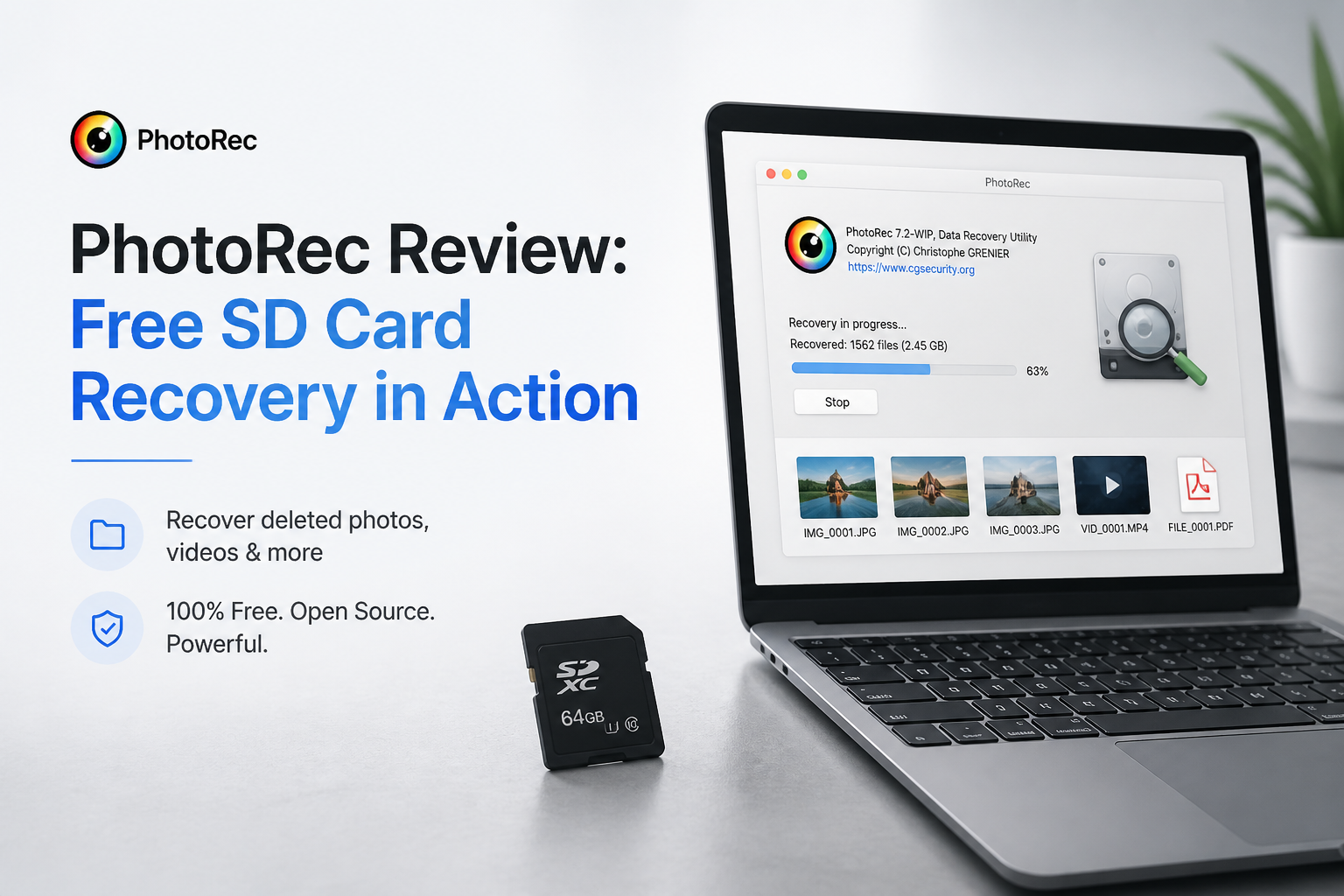
PhotoRec at a Glance
5.4/10PhotoRec is a free, open-source file-carving utility from CGSecurity. It scans storage media for recognizable file signatures, even when the file system is damaged.
Best forTechnical users recovering ordinary JPEG or RAW files from a card where filenames no longer matter
- Signature-based photo recovery
- Support for 480-plus file extensions
- Whole-partition or free-space scanning
- Disk-image scanning
- Resumable recovery sessions
- No recovery paywall
- Broad format support
- Works across major desktop systems
- Loses most filenames plus folders
- Messy results require sorting
- Weak workflow for fragmented camera video
PhotoRec SD Card Recovery Performance in Detail
01 SD Card Recovery
Strong carving with uneven usable results
7.2/10
SD Card Recovery
Strong carving with uneven usable results
PhotoRec found 72% of our recoverable SD card test set. Standard JPEG files from a quick-format scenario came back most reliably. It also recognized several RAW formats without requiring a paid upgrade.
The raw count looked better than the practical result. Embedded thumbnails, duplicate images, partial files, plus unrelated leftovers inflated the output. PhotoRec works by file signatures, so it can recover data after file-system damage, but it usually cannot preserve the card's original organization.
- Recovers from FAT32, exFAT, plus corrupted media
- Recognizes hundreds of file extensions
- Can scan a disk image instead of the original card
- Writes recovered data to a separate destination
- Results include duplicates plus thumbnail files
- Recovery totals can overstate the number of useful photos
- No simple recovery-quality rating for each result
02 Recovered File Organization
The biggest problem after a large scan
3.1/10
Recovered File Organization
The biggest problem after a large scan
PhotoRec normally places results inside folders such as recup_dir.1, then assigns names resembling f0016741.jpg. Original folders usually disappear. Original filenames are also lost unless useful naming data happens to be stored inside a file.
That is manageable for 30 vacation photos. It becomes painful with several thousand wedding images, burst shots, exported edits, plus camera-generated thumbnails. Sorting by EXIF date helps, though it adds another tool plus another round of work.
- Recovered files appear while the scan is running
- EXIF dates may survive in intact photos
- Results can be sorted later with scripts
- Original folder structure is not restored
- Most filenames become generic numbers
- Large recoveries require substantial manual sorting
03 Camera Video Recovery
Fragmented clips remain a weak spot
4.3/10
Camera Video Recovery
Fragmented clips remain a weak spot
Short, contiguous MOV plus MP4 clips had a fair chance in our SD card image. Longer camera videos were less dependable. Several recovered with a valid extension but froze early, lacked a playable header, or contained only part of the recording.
PhotoRec's own documentation explains that some cameras write fragmented videos in a pattern ordinary file carving does not expect. A manual ftyp plus mdat reconstruction method may help, but that workflow is too technical for a stressed user trying to recover family footage.
- Can identify common MOV plus MP4 signatures
- Includes an option to recover mdat data separately
- Works well enough for some nonfragmented clips
- Fragmented camera videos may be unreadable
- Manual command-line reconstruction can be necessary
- No visual grouping of related video fragments
04 Ease of Use
Functional controls with little guidance
3.8/10
Ease of Use
Functional controls with little guidance
The classic PhotoRec interface asks users to identify the correct physical device, partition, file-system family, scan area, file signatures, plus output location. None of those choices are unreasonable, but a wrong selection can waste an hour or fill the destination drive with irrelevant files.
QPhotoRec adds a graphical shell, though it still feels like a utility built around recovery mechanics rather than a photo-browsing workflow. Disk Drill gives clearer device labels, filters, thumbnails, previews, plus recovery-chance indicators before export.
- Keyboard controls work on modest systems
- QPhotoRec offers a basic graphical option
- Interrupted scans can be resumed
- Disk selection can confuse casual users
- Few explanations appear during setup
- Previewing plus selecting individual results is clumsy
05 Cost & Licensing
Truly free with no recovery cap
10.0/10
Cost & Licensing
Truly free with no recovery cap
PhotoRec is completely free under the GNU GPL v2+ license. There is no scan cap, file-size ceiling, subscription, locked export button, or paid edition. On price alone, it beats nearly every commercial recovery app.
Free does not mean low effort. If a scan produces 18,000 numbered files, the time spent opening duplicates plus rebuilding folders can outweigh the purchase price of a tool with previews, filters, filenames, plus structured results.
- Unlimited recovery for $0
- No account or payment details required
- Open-source license
- Windows, macOS, plus Linux support
- No direct commercial support plan
- Cleanup time can erase the practical savings
How We Tested PhotoRec on SD Cards Plus an SSD
We used Windows 11 with a USB 3.2 card reader, a 128 GB exFAT SDXC card, a 64 GB FAT32 card, plus a 500 GB external SSD. Test sets included JPEG, CR3, NEF, MOV, MP4, PDF, plus ZIP files. We tested deletion, quick formatting, damaged file-system metadata, plus a mixed camera-media scenario.
Scores favored usable files rather than raw file counts. A recovered thumbnail did not count as the original photo. Videos had to play through without freezing. We also recorded scan time, folder retention, filenames, preview quality, setup friction, plus the work required after recovery.
When PhotoRec Is the Wrong Choice for Camera Recovery
Avoid PhotoRec as your first attempt if the card contains client work, long camera clips, thousands of similarly framed images, or a folder structure you need to retain. Raw carving is useful after metadata recovery fails, but starting there can trade useful organization for a huge bucket of unnamed files.
Stop software recovery entirely if the card disconnects, reports the wrong capacity, becomes unusually hot, or cannot be read consistently. Those symptoms may point to hardware trouble. Repeated scans can make a fragile situation worse, so professional imaging may be the safer move.
How PhotoRec Scored for SD Card Recovery
| Category | Performance | Score |
|---|---|---|
| 01 SD Card Recovery | 7.2/10 | |
| 02 Recovered File Organization | 3.1/10 | |
| 03 Camera Video Recovery | 4.3/10 | |
| 04 Ease of Use | 3.8/10 | |
| 05 Cost & Licensing | 10.0/10 |
PhotoRec vs Disk Drill — Head to Head
Identical hardware, identical test scenarios. Here is how they compared.
| Metric | PhotoRec | Disk Drill |
|---|---|---|
| SSD recovery rate | 61% | 88% |
| SD card recovery | 72% | 94% |
| Quick scan time (500 GB) | 18 min | 6 min |
| Deep scan time (500 GB) | 74 min | 49 min |
| Free recovery limit | Unlimited | 500 MB on Windows |
| License model | Free, GPL v2+ | One-time $149 |
| Email support response | No direct support | ~6 hours |
| Overall score | 5.4 / 10 | 9.0 / 10 |
What to Use Instead
Choose Disk Drill if the card contains important photos, long camera videos, or enough files that manual sorting would become its own weekend project.
01 Disk Drill
A cleaner route from damaged card to usable library
9.0/10
Disk Drill
A cleaner route from damaged card to usable library
Disk Drill is our preferred PhotoRec alternative for SD cards because it combines file-system recovery with signature scanning. That gives it a better chance of retaining filenames plus folders before falling back to raw carving.
Its previews, camera-focused filters, scan-session saving, disk-image creation, plus Advanced Camera Recovery make a noticeable difference with mixed photo-video cards. You can inspect results before buying. The tradeoff is price, particularly if you only need to rescue one small batch of JPEGs.
- Clear previews plus photo filters
- Better handling of fragmented camera footage
- May preserve original names plus folders
- Recovery-chance labels help prioritize intact files
- One license covers Windows plus macOS
- Full recovery usually requires payment
- Lifetime license costs more than basic recovery utilities

What SD Card Users Report About PhotoRec
A camera owner said PhotoRec was one of several tools that failed to produce usable results from a RAW SD card with fragmented video, while Disk Drill recovered the photos.
A PhotoRec forum user recovered documents successfully but found that familiar names such as MyDocument.xlsx became numbered files. A project administrator confirmed that this is expected behavior.
One Disk Drill user described recovering photos from an inaccessible SD card in roughly ten minutes after other tools failed to handle the card properly.
Should You Use PhotoRec for an SD Card?
PhotoRec is worth keeping as a free last-resort carver, particularly when a card is badly corrupted plus money is tight. We do not recommend it as the first choice for a large camera card because generic filenames, vanished folders, duplicate output, plus fragmented-video trouble create too much uncertainty.
Use Disk Drill instead when the card holds valuable shoots or long video clips. Its free scan lets you check previews before deciding whether the paid recovery is justified.
Create a byte-for-byte image of the SD card first, then scan the image rather than repeatedly stressing the original media.