Recuva vs Easeus vs Disk Drill vs R-Studio 2026
Disk Drill is the most balanced choice here, though R-Studio has deeper technical controls. Recuva wins on free basic recovery, while EaseUS keeps the process beginner-friendly.
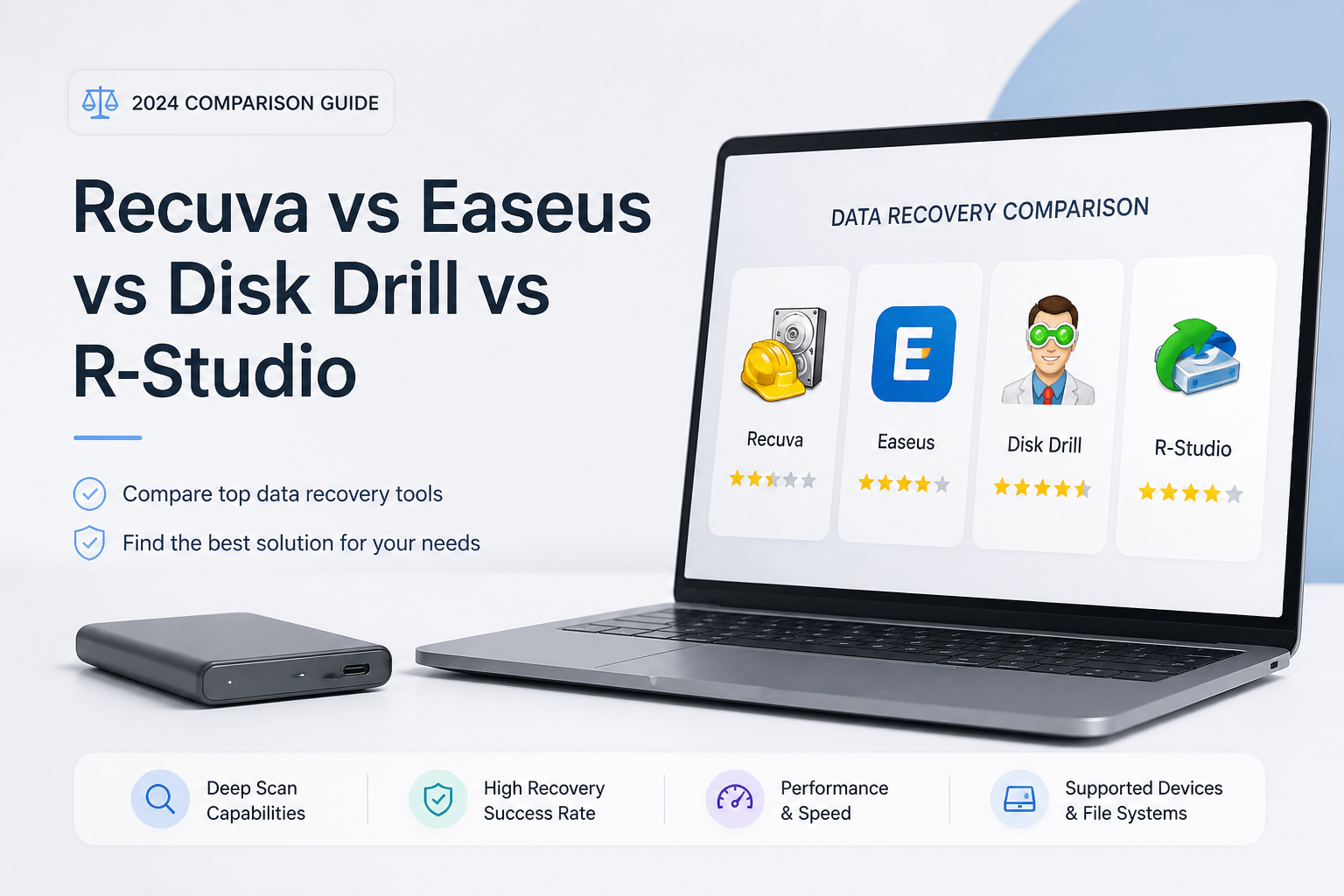
Disk Drill is the best overall pick for most personal recovery jobs because it pairs a readable interface with disk imaging, broad storage support, plus one Windows-and-Mac license. Choose R-Studio instead if RAID reconstruction or low-level control matters more than ease of use.
Disk Drill
9.1/10Best for: Home users who want a clear recovery workflow without giving up disk images, previews, or broad file-system support
- Clean scan setup with useful result filters
- Byte-to-byte imaging is included in the free toolkit
- One license works on Windows plus macOS
- Previews help verify important files before purchase
R-Studio
8.8/10Best for: Experienced users handling damaged partitions, unusual file systems, RAID layouts, or network storage
- Runs on Windows, macOS, plus Linux
- Excellent controls for virtual RAID reconstruction
- Broad file-system support
- Permanent Standalone license
EaseUS Data Recovery Wizard
8.0/10Best for: People who prefer a guided three-step recovery process plus optional remote assistance
- Simple location-based scan workflow
- Up to 2 GB of advertised free Windows recovery
- Good filtering plus file previews
- Monthly, yearly, plus lifetime choices
Disk Drill, Recuva, EaseUS, plus R-Studio Compared
This table compares platform coverage, built-in disk imaging, current personal pricing, plus our overall editorial score. Scores reflect feature breadth, usability, licensing, plus suitability for common recovery situations rather than a claimed universal recovery rate.
| Tool | Host Platforms | Disk Imaging | Price | Score |
|---|---|---|---|---|
| 1. Disk Drill PICK | Windows, macOS | ● Yes | $89/yr | 9.1/10 |
| 2. R-Studio | Windows, macOS, Linux | ● Yes | $79.99 one-time | 8.8/10 |
| 3. EaseUS Data Recovery Wizard | Windows, macOS | ● No | $69.95/mo | 8.0/10 |
| 4. Recuva | Windows | ● No | Free | 7.2/10 |
Four Leading Data Recovery Tools Under Review
01 Disk Drill
Windows, macOS / CleverFiles
9.1/10
Disk Drill
Windows, macOS / CleverFiles
Disk Drill offers the best balance in this group. Its scan results are easier to sort than R-Studio’s, while its recovery toolkit reaches well beyond Recuva’s basic undelete job. Previewing files before payment also gives you a useful reality check before buying a license.
The feature audit found support for byte-to-byte disk images, lost-partition searches, recovery-chance estimates, plus monitoring tools. The current PRO license covers Windows plus macOS, with activation on up to three personal devices. That makes its $149 lifetime license easier to justify for a mixed-computer household.
Disk Drill still cannot make overwritten SSD data reappear. Mac users also get scan plus preview access in the free edition rather than general free recovery, while Windows users receive only a small recovery allowance.
Best forHome users who want a clear recovery workflow without giving up disk images, previews, or broad file-system support
- Clean scan setup with useful result filters
- Byte-to-byte imaging is included in the free toolkit
- One license works on Windows plus macOS
- Previews help verify important files before purchase
- Lifetime option includes future upgrades
- Costs more than Recuva or R-Studio Standalone
- Free Mac edition is mainly for scanning plus previewing
- PRO license is limited to personal recovery work

02 R-Studio
Windows, macOS, Linux / R-Tools Technology
8.8/10
R-Studio
Windows, macOS, Linux / R-Tools Technology
R-Studio is the strongest technical option here. It recognizes a wide collection of Windows, Mac, Linux, Unix, plus server file systems. Its virtual RAID tools, network recovery support, raw scanning, disk imaging, plus hexadecimal view make it suitable for cases where a friendly wizard is not enough.
The tradeoff appears as soon as the main device panel opens. R-Studio presents partitions, regions, scan parameters, file-system choices, plus hardware details with little hand-holding. That control is useful, though a first-time user can pick the wrong object or waste hours scanning an unnecessary region.
The standard full license costs $79.99 for one host operating system. Cheaper restricted editions start at $49.99, but the full Standalone edition is the sensible comparison with Disk Drill or EaseUS.
Best forExperienced users handling damaged partitions, unusual file systems, RAID layouts, or network storage
- Runs on Windows, macOS, plus Linux
- Excellent controls for virtual RAID reconstruction
- Broad file-system support
- Permanent Standalone license
- Useful imaging, network, plus low-level inspection tools
- Dense interface has a steep learning curve
- Standard licenses are purchased per host operating system
- Commercial client recovery requires a costlier technician license
03 EaseUS Data Recovery Wizard
Windows, macOS / EaseUS
8.0/10
EaseUS Data Recovery Wizard
Windows, macOS / EaseUS
EaseUS Data Recovery Wizard keeps the process simple. You select a drive or lost location, let the scan run, filter the results, preview files, then choose a separate destination. The layout is approachable for someone who does not want to inspect sectors, RAID parameters, or partition offsets.
The free Windows edition advertises recovery of up to 2 GB, though eligibility requirements may apply to the full allowance. Paid Windows plans currently cost $69.95 for one month, $99.95 for one year, or $149.95 for a license with lifetime upgrades.
EaseUS is easy to operate, but its short-term pricing is hard to ignore. A single urgent recovery can cost almost as much as R-Studio’s permanent license. Windows plus Mac coverage also requires separate licenses or a bundle.
Best forPeople who prefer a guided three-step recovery process plus optional remote assistance
- Simple location-based scan workflow
- Up to 2 GB of advertised free Windows recovery
- Good filtering plus file previews
- Monthly, yearly, plus lifetime choices
- Remote assistance comes with paid Windows plans
- One-month license is expensive for a single recovery
- Windows plus Mac versions are licensed separately
- Advanced storage controls are thinner than R-Studio’s
04 Recuva
Windows / CCleaner
7.2/10
Recuva
Windows / CCleaner
Recuva remains useful because its free edition can handle straightforward undelete work without forcing a paid recovery license. Its wizard asks what file type disappeared, then where it was last seen. That is enough for a recently deleted photo, document, or folder on a healthy Windows drive.
Recuva also offers a deeper scan, secure deletion, file-condition indicators, plus recovery from USB drives or memory cards. Professional costs $24.95, mainly adding virtual hard drive support, automatic updates, plus premium support. The underlying recovery feature is already present in the free edition.
Its limits become clear with lost partitions, modern Mac file systems, RAID, or unstable disks. Recuva is Windows-only, lacks the imaging workflow found in Disk Drill or R-Studio, plus offers fewer controls for damaged storage.
Best forWindows users restoring recently deleted files from healthy NTFS, FAT, or exFAT storage
- Free edition can recover files rather than merely preview them
- Simple wizard suits routine deletion cases
- Small download with modest system requirements
- Deep Scan is available at no charge
- Professional edition is inexpensive
- Windows only
- No built-in byte-to-byte imaging workflow
- Not a good fit for complex partitions, RAID, or failing drives
How We Compared Disk Drill, Recuva, EaseUS, plus R-Studio
We reviewed current official documentation, licensing pages, supported operating systems, free-edition limits, imaging options, preview tools, file-system coverage, plus recovery workflows available as of August 21, 2026. The score also considers how easily a typical home user can identify the correct disk, inspect scan results, then save files somewhere safe.
We did not publish a single recovery-rate percentage. Results vary sharply with overwriting, SSD TRIM, file-system damage, drive health, plus the type of file being recovered. The ranking instead weighs verifiable capabilities, pricing, workflow clarity, plus how well each tool fits its intended user.
How to Choose Between Disk Drill, Recuva, EaseUS, plus R-Studio
Match the tool to the failure. Recuva is reasonable for a recently deleted Windows file on a healthy drive. Disk Drill fits broader home recovery, especially if you need previews, an image of the source disk, or support for both Windows plus Mac. EaseUS favors a guided workflow. R-Studio is built for users comfortable with partitions, RAID geometry, scan regions, plus low-level storage details.
Price should come after scan quality. Use the free edition to check whether your key documents, photos, databases, or videos appear with sensible sizes plus working previews. A cheap license is wasted if the files you need are corrupt.
Common Data Recovery Software Mistakes to Avoid
Do not install recovery software on the drive that lost the files. Do not restore recovered data to that same drive either. Both actions can overwrite deleted content that was still recoverable. For a slow, disconnecting, clicking, or freezing drive, stop repeated scans. A professional evaluation or carefully made sector image is safer.
SSD recovery has another limit. TRIM may clear deleted blocks soon after deletion, making software recovery impossible even when a filename remains visible. Pause use immediately, avoid cleanup utilities, then scan from another computer or boot drive where practical.
Which Data Recovery Tool Should You Choose?
Disk Drill earns the top spot because it is easier to navigate than R-Studio, more capable than Recuva, plus less fragmented across Windows or Mac than EaseUS. Its image creation, previews, recovery estimates, plus three-device license form a sensible package for personal use.
R-Studio is the better fit for technical users facing RAID or complex partition damage. Recuva makes sense for a recent Windows deletion on healthy storage, while EaseUS suits people willing to pay more for a guided workflow.
Install the free edition of your top choice on a different drive, scan the affected storage, preview several important files, then pay only if those previews open correctly.