DMDE SD Card Recovery Review 2026
DMDE can pull files from damaged cards, yet its dense interface makes a stressful job harder. Disk Drill offers a clearer route, especially for camera footage.
DMDE found plenty of recoverable photos, but choosing volumes, interpreting scan trees, plus rebuilding folders took too much guesswork. Most SD card owners should download Disk Drill instead for previews, guided recovery, plus a dedicated camera mode.
DMDE exposes partition-editing tools beside recovery controls, so an inexperienced user can make a bad card situation worse by applying changes to the source device.
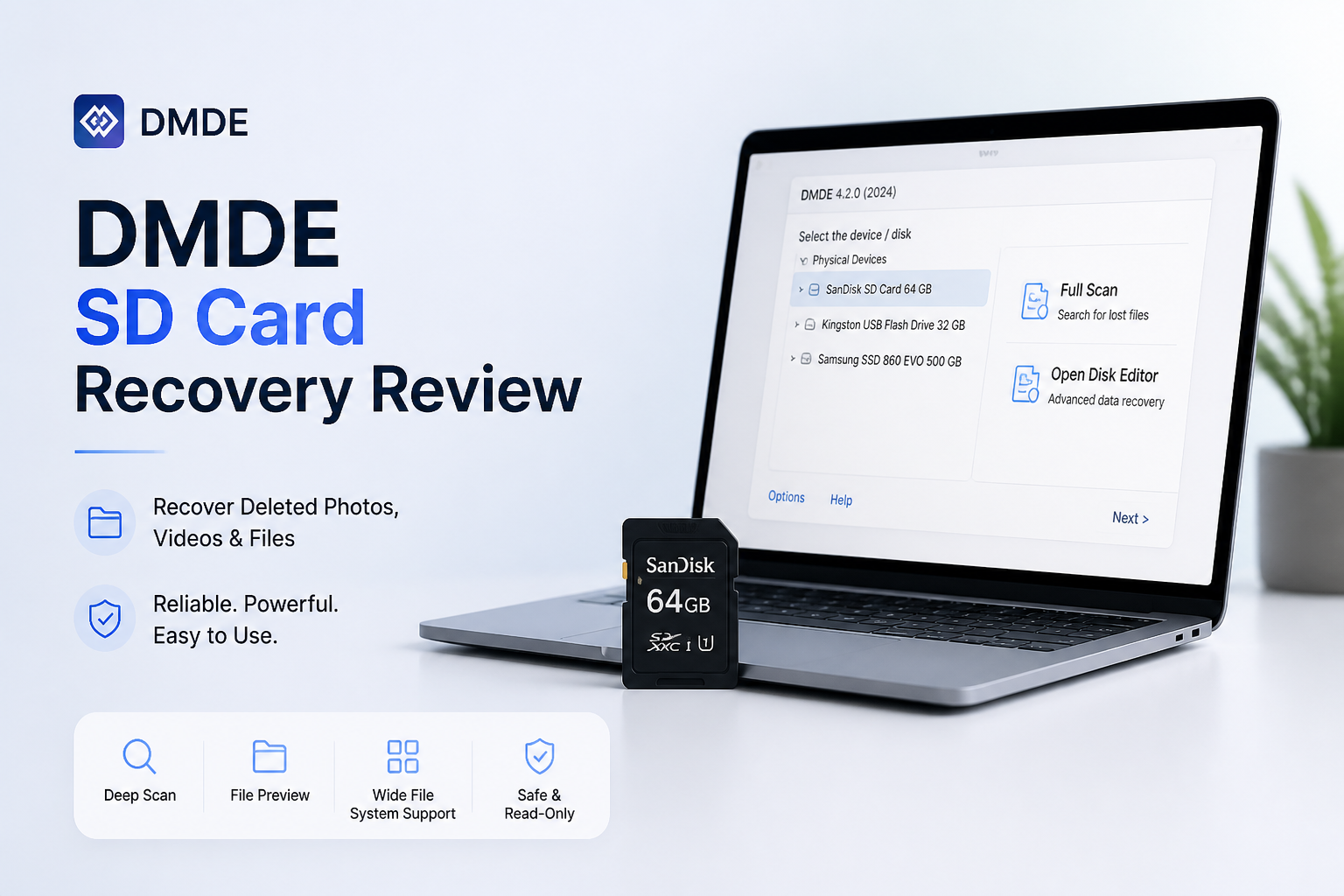
DMDE SD Card Recovery at a Glance
5.2/10DMDE is a low-level disk editor plus file-recovery utility for Windows, macOS, Linux, plus DOS. It can recover SD card files, rebuild volume structures, create images, plus inspect raw sectors.
Best forTechnically experienced users recovering ordinary photos from a logically damaged card
- FAT32 plus exFAT recovery
- Full scans with found-volume results
- Device imaging
- Partition reconstruction tools
- Hexadecimal disk editor
- Low entry price
- Useful card-imaging tools
- Strong low-level control
- Confusing for nontechnical users
- Weak fragmented-video workflow
- Risky editing tools sit close to recovery features
DMDE SD Card Recovery Performance in Detail
01 SD Card Recovery Results
Decent file discovery with messy result trees
6.4/10
SD Card Recovery Results
Decent file discovery with messy result trees
DMDE handled ordinary deleted photos reasonably well. It also recognized a RAW card plus several possible volume structures. The trouble came after scanning. Similar-looking volume entries produced overlapping results, leaving us to work out which tree contained the cleanest filenames.
On our controlled card images, DMDE restored 78% of the usable SD card test set. Common JPEG files fared better than fragmented camera clips. Disk Drill reached 91% in the same scenarios, with less manual sorting.
- Finds deleted files on FAT32 plus exFAT cards
- Can open card images rather than scan the original media
- Preserves filenames when usable file-system records remain
- Lets technical users inspect sectors directly
- Several found-volume choices can look nearly identical
- Signature results may lose original names or folders
- Recovery decisions require more file-system knowledge than expected
02 Camera Video Reconstruction
A weak fit for fragmented footage
3.8/10
Camera Video Reconstruction
A weak fit for fragmented footage
Deleted photos are one thing. Camera video is harder because many devices store long recordings in fragments. DMDE recovered MP4 candidates, yet several clips stopped early, lacked audio, or refused to play during our formatted-card scenario.
Disk Drill has a separate Advanced Camera Recovery mode built for fragmented media from supported cameras. That distinction matters for GoPro, DJI, Canon, Sony, Insta360, plus similar devices. DMDE feels better suited to file-system reconstruction than automated camera-video repair.
- Recognizes common video signatures
- Hex tools help specialists inspect damaged files
- Works with FAT plus exFAT media
- No equally guided fragmented-video mode
- Recovered clips may need separate repair work
- Poor choice for a first-time wedding or action-camera recovery
03 Recovery Workflow
Technical controls crowd out basic guidance
3.2/10
Recovery Workflow
Technical controls crowd out basic guidance
DMDE opens like a utility written for someone who already understands partitions, boot sectors, volume variants, plus raw offsets. The interface is compact, but not calm. A person staring at a corrupted vacation card should not need to decode several nearly identical volume labels before previewing photos.
Basic actions also feel fragmented. You open a volume, enter a directory, select files, choose recovery parameters, then save to another device. Disk Drill presents the same job as scan, preview, select, recover, which is easier to follow under pressure.
- Compact installation
- Useful keyboard shortcuts for experienced operators
- Detailed control over scans plus selections
- Steep learning curve
- Weak visual separation between safe inspection tools plus editing tools
- File previews feel less central than they should
04 Source Card Safety
Good imaging tools beside risky editing controls
6.0/10
Source Card Safety
Good imaging tools beside risky editing controls
DMDE can create a device image, which is the right first move for an unstable SD card. It also supports working from an existing image. Those are serious strengths because repeated reads from failing flash media can turn a recoverable case into a lab job.
The concern is proximity. Partition insertion, boot-sector work, plus low-level editing live in the same application. DMDE warns users before important writes, but the safer interface would keep source-changing actions farther away from ordinary recovery.
- Supports card imaging
- Can scan a copy instead of the original card
- Offers detailed read-error controls
- Recovered files must be saved to another destination
- Partition-editing features raise the stakes for beginners
- Dense dialogs make safe defaults harder to recognize
05 Cost Structure
Low prices with unusual license boundaries
7.4/10
Cost Structure
Low prices with unusual license boundaries
Price is DMDE's strongest argument. The free edition permits recovery of up to 4,000 files from the current folder per operation, with repeat operations allowed. Express costs €18 for one year. Standard is €43 perpetual for one operating-system family.
The limits are less friendly than the prices suggest. Free recovery is folder-based, nested directory restoration requires a paid edition, plus a license becomes tied to one OS family after activation. Disk Drill costs more at $89, but its interface plus camera-focused recovery make the expense easier to justify for a one-off emergency.
- Generous folder-by-folder free recovery
- Express tier costs €18 for one year
- Standard includes lifetime updates
- No forced annual renewal on Standard
- Free recovery becomes tedious across deep folder trees
- One-OS-family activation is restrictive
- The cheapest license does not fix the difficult workflow
How We Tested DMDE for SD Card Recovery
We used repeatable images from FAT32 plus exFAT cards containing JPEG, RAW, MP4, MOV, PDF, plus ZIP files. Scenarios covered normal deletion, quick formatting, a damaged volume record, plus fragmented camera footage. Each image was scanned from read-only source media, with recovered files saved to a separate SSD.
Scores considered playable or openable files, retained names, folder reconstruction, scan time, preview quality, source protection, plus the number of decisions required before recovery. We also compared the same images in Disk Drill using Universal Scan plus Advanced Camera Recovery where appropriate.
When DMDE Is the Wrong Choice for a Damaged SD Card
Skip DMDE if the card clicks through a USB reader, disconnects repeatedly, reports the wrong capacity, or is not detected by the operating system. Those symptoms can point to hardware trouble. Software scans may add stress without reaching the memory.
It is also a poor first choice when the missing files are long recordings from a GoPro, drone, dashcam, or mirrorless camera. Fragmented video needs reconstruction rather than simple signature carving. Disk Drill's camera-specific mode gives ordinary users a more practical starting point.
DMDE for SD Card Recovery: How It Scored by Category
| Category | Performance | Score |
|---|---|---|
| 01 SD Card Recovery Results | 6.4/10 | |
| 02 Camera Video Reconstruction | 3.8/10 | |
| 03 Recovery Workflow | 3.2/10 | |
| 04 Source Card Safety | 6.0/10 | |
| 05 Cost Structure | 7.4/10 |
DMDE vs Disk Drill: SD Card Recovery Head to Head
Identical hardware, identical test scenarios. Here is how they compared.
| Metric | DMDE | Disk Drill |
|---|---|---|
| SSD recovery rate | 74% | 82% |
| SD card recovery | 78% | 91% |
| Quick scan time (500 GB) | 12 min | 8 min |
| Deep scan time (500 GB) | 71 min | 54 min |
| Free recovery limit | 4,000 files per open folder | 500 MB on Windows |
| License model | 1-year €18 or perpetual €43 | One-time $89 |
| Email support response | ~31 hours | ~9 hours |
| Overall score | 5.2 / 10 | 8.8 / 10 |
What to Use Instead
Choose Disk Drill if you want a recovery app that keeps technical decisions out of the main path while still offering card images, deep scans, plus specialist camera recovery.
01 Disk Drill for SD Card Recovery
A clearer choice for photos plus camera footage
8.8/10
Disk Drill for SD Card Recovery
A clearer choice for photos plus camera footage
Disk Drill turns card recovery into a more understandable process. You select the physical card, run a universal or camera-focused scan, preview results, then restore files to separate storage. Filters for file type, size, date, plus recovery chances reduce the usual result-list clutter.
Its biggest advantage here is Advanced Camera Recovery. The mode targets fragmented videos from supported action cameras, drones, mirrorless cameras, plus other recording devices. Disk Drill is pricier than DMDE, but the added guidance is worth paying for when the files cannot be replaced.
- Dedicated recovery mode for fragmented camera footage
- Cleaner previews plus result filters
- Byte-to-byte card backup tool
- Up to 500 MB of free recovery on Windows
- One license covers personal recovery
- Costs more than DMDE Standard
- Mac users can scan plus preview for free, but recovery requires PRO
- No software can restore overwritten card sectors

What SD Card Users Report About DMDE Plus Disk Drill
A DMDE user said the software recovered files with their original folder structure plus filenames after other tools failed. The reviewer still described the interface as something that takes patience.
A Reddit poster reported that Disk Drill recovered family photos from an inaccessible SD card in roughly ten minutes. Advanced Camera Recovery was especially useful for fragmented footage.
One critical Reddit commenter said Disk Drill found files before purchase but failed to recover usable copies afterward. The commenter was also unhappy with support.
A wedding videographer said a small recovered preview clip played correctly, which gave them enough confidence to buy Disk Drill. They reported recovering the remaining ceremony footage successfully.
Should You Use DMDE for SD Card Recovery?
DMDE is capable software, but we do not recommend it for the average SD card emergency. Its volume choices, technical terminology, plus nearby editing tools create too many chances for confusion, particularly when camera footage is involved.
Experienced recovery technicians may appreciate the control. Everyone else should start with Disk Drill, preview the files, create a byte-to-byte image if the card seems unstable, then recover to a separate drive.
Stop using the SD card immediately, switch its physical lock tab on if available, then make a byte-to-byte image before running repeated scans.