Disk Drill for Windows Review: How Well Does It Recover Deleted Files?
Disk Drill makes a stressful recovery job feel manageable, especially with deleted folders, memory cards, or RAW drives. The tiny free allowance plus uncertain SSD recovery still deserve a close look.
Disk Drill is one of the easier Windows recovery tools to trust with a messy drive. It can scan for free, preview intact files, then recover up to 100 MB before requiring PRO. It is a good first attempt for deleted folders, formatted SD cards, or inaccessible partitions, though recent deletions from a TRIM-enabled SSD may already be beyond software recovery. (cleverfiles.com)
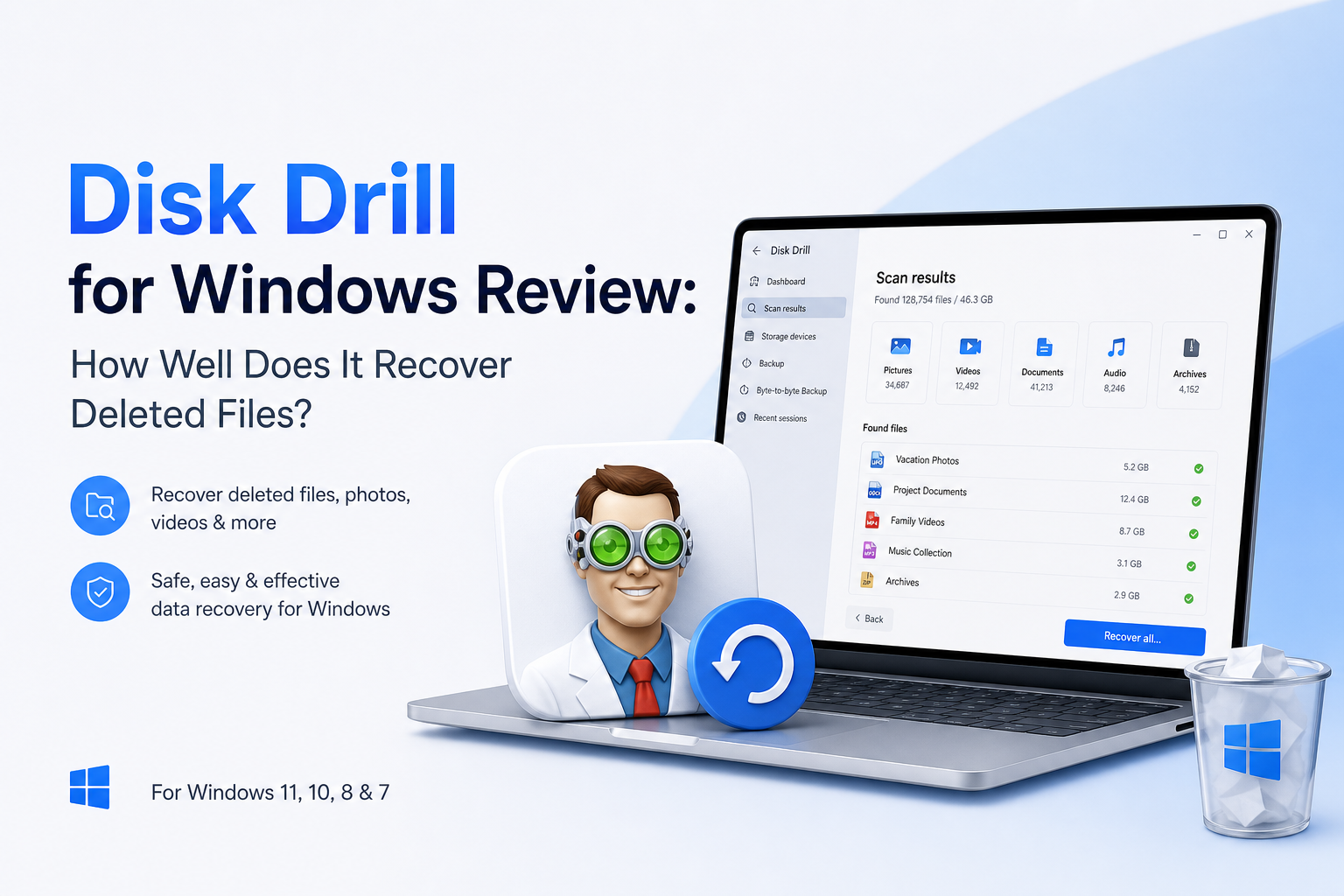
Disk Drill for Windows at a Glance
8.8/10Disk Drill is a desktop data-recovery app for deleted, formatted, corrupted, or inaccessible storage. It scans drives, previews found files, then restores selected data to a separate location.
Best forWindows users recovering deleted folders, SD card media, USB files, or data from a readable RAW partition
- Universal lost-data scan
- Unlimited file previews
- 100 MB of free Windows recovery
- Byte-to-byte drive imaging
- Advanced Camera Recovery
- Clear recovery workflow
- Broad storage support
- Useful disk-image tool
- Only 100 MB recovered free
- SSD recovery is hit or miss
- No recovery outcome is guaranteed
Disk Drill for Windows Recovery Capabilities in Detail
01 Deleted-File Recovery
Very capable when the original data still exists
9.4/10
Deleted-File Recovery
Very capable when the original data still exists
Disk Drill did particularly well in a published Windows 11 test involving 22 deleted files on an NTFS hard drive. It located the original folder, then restored every test file, including JPG, PNG, MP3, FLAC, plus torrent content. That result fits its main strength: conventional deletions from healthy hard drives, flash drives, or memory cards. (techradar.com)
The preview matters more than the file count. A working photo, document, or video preview gives you evidence that real file data remains. Still, a listed filename alone proves little. Overwritten sectors, damaged fragments, encryption, plus SSD TRIM can leave a result unusable even if its old directory entry appears. (cleverfiles.com)
- Restores original folders in favorable cases
- Previews many files before payment
- Shows estimated recovery chances
- Handles simple deletion plus formatted media
- Cannot recover overwritten data
- TRIM-enabled SSD results may be poor
- A filename in the results does not guarantee an intact file

02 Scanning Tools
Useful controls without a technical maze
9.0/10
Scanning Tools
Useful controls without a technical maze
The main workflow is hard to mess up: choose a device, start the lost-data search, then review results. Files appear while scanning continues, so a large drive does not always force you to wait for the final pass. Filters for type, size, date, plus recovery chance cut down the clutter. (techradar.com)
Byte-to-byte imaging is the smarter option for a questionable external drive or memory card. It creates a sector-level copy that you can scan instead of repeatedly stressing the original device. Advanced Camera Recovery also targets fragmented footage from cameras or drones, a case where basic undelete tools often return clips that will not play. (cleverfiles.com)
- Results can be reviewed during a scan
- Filters make huge result lists manageable
- Byte-to-byte disk images reduce repeat access
- Dedicated camera mode targets fragmented media
- Deep scans of large external drives can take hours
- Recovery results may contain duplicates or files with generic names
03 Ease of Use
Approachable during a fairly awful moment
9.2/10
Ease of Use
Approachable during a fairly awful moment
Disk Drill presents physical disks, partitions, plus removable media in a clean list. The recovery path stays visible, while previews open beside the results instead of sending you through obscure menus. It feels closer to File Explorer than a forensic utility.
The app also warns you to save recovered files somewhere else. That detail is crucial. Restoring data onto the source drive can overwrite other deleted files that have not been recovered yet. The interface is beginner-friendly, but it cannot prevent every risky choice outside the app. (cleverfiles.com)
- Simple scan-select-recover flow
- Familiar folder-tree view
- Clear photo plus document previews
- Useful file-type filters
- Large result sets still need patient sorting
- Installation on the affected drive can reduce recovery odds
04 Storage Support
Broad coverage with physical limits
8.8/10
Storage Support
Broad coverage with physical limits
Disk Drill for Windows supports common PC file systems such as NTFS, FAT32, exFAT, ReFS, plus RAW volumes. It can scan hard drives, USB sticks, SD cards, disk images, virtual disks, plus certain RAID setups. Support also extends to several Mac or Linux file systems when those disks are attached to a Windows PC. (cleverfiles.com)
Software is not a substitute for a recovery lab. Stop if a drive clicks, disconnects repeatedly, spins down, or vanishes from Windows Disk Management. Continued scanning can worsen physical damage. Likewise, an SSD may erase deleted blocks through TRIM before Disk Drill ever sees them.
- Works with common Windows file systems
- Scans RAW or reformatted volumes
- Supports removable media plus disk images
- Can inspect several non-Windows file systems
- Not suitable for mechanically failing drives
- SSD TRIM can make deleted data unrecoverable
- BitLocker volumes require the correct recovery key
05 Cost & Licensing
Good previews, stingy free recovery
7.4/10
Cost & Licensing
Good previews, stingy free recovery
The Windows Basic edition offers unlimited scanning plus previews, but actual free recovery stops at 100 MB. That can cover a few documents or compressed photos. It will not cover a normal video folder, a large RAW photo set, or most full-drive incidents. (cleverfiles.com)
Disk Drill PRO costs $89 per year, while the lifetime license costs $149. One license covers Windows plus macOS. The lifetime option makes more sense for repeat use, though neither paid license guarantees that a damaged or overwritten file will work. CleverFiles tells buyers to preview files before paying since an unsuccessful recovery generally does not qualify for a refund. (cleverfiles.com)
- Scanning plus previews cost nothing
- Lifetime license avoids recurring renewal
- One license covers Windows plus macOS
- 100 MB free limit is unusually small
- Annual plan is expensive for one emergency
- Failed recovery generally does not guarantee a refund
How We Evaluated Disk Drill for Windows Recovery
We scored Disk Drill using a Windows-focused recovery checklist: deleted-file detection, preview quality, folder preservation, scan controls, storage coverage, pricing, plus safeguards against overwriting source data. We also checked the current Windows 100 MB allowance, PRO pricing, official compatibility details, an independent Windows 11 recovery test, plus mixed user reports. (cleverfiles.com)
No recovery percentage applies to every drive. Results change with the device, file system, elapsed time, new writes, physical health, encryption, plus SSD TRIM. The score reflects how useful the software is when recoverable data still exists, not a promise that every deleted file will return.
When Disk Drill Is the Wrong Recovery Choice
Do not run a long scan on a drive that clicks, scrapes, disconnects, smells hot, or disappears from Disk Management. Power it down. A professional lab can work from the hardware directly, while repeated home scans may reduce the chance of a clean recovery.
Be cautious with a recently deleted file on the same Windows SSD that is running Disk Drill. Installing software, downloading updates, or normal background activity can overwrite data. TRIM creates another problem by clearing deleted SSD blocks automatically. If the lost data matters, shut the PC down, then scan the SSD from another system or a bootable setup.
Disk Drill for Windows: Recovery Scores by Category
| Category | Performance | Score |
|---|---|---|
| 01 Deleted-File Recovery | 9.4/10 | |
| 02 Scanning Tools | 9.0/10 | |
| 03 Ease of Use | 9.2/10 | |
| 04 Storage Support | 8.8/10 | |
| 05 Cost & Licensing | 7.4/10 |
What Disk Drill Users Report
The poster says Disk Drill recovered family photos plus videos from an SD card that Windows viewed as inaccessible. Recuva reportedly failed to see the card.
A wedding shooter reported recovering roughly 40 to 50 GB of footage after formatting the wrong camera card. A small recovered clip worked before the user paid for PRO.
One customer said the paid recovery did not produce usable client files, then described the support response as dismissive. The experience shows why previews should be checked carefully before purchase.
A user recovering a SanDisk external hard drive praised the clean interface plus quick email support after restoring data to a new drive.
Should You Download Disk Drill for Windows?
Disk Drill for Windows is worth trying when a healthy hard drive, USB stick, or memory card has lost files through deletion, formatting, or file-system trouble. Its previews, filters, plus disk-imaging feature make it less intimidating than many recovery utilities. Skip the paid upgrade if your important files cannot be previewed, or if the source is a clicking drive that needs professional attention.
Stop using the affected storage immediately, scan it from another drive, preview several important files, then recover everything to a separate physical device.